Nextoq POS features
Built for the way real stores run
Every module shares one set of products, stock, customers and accounts. Switch on what you need today and add the rest as you grow.
Checkout
A checkout your cashiers learn in minutes
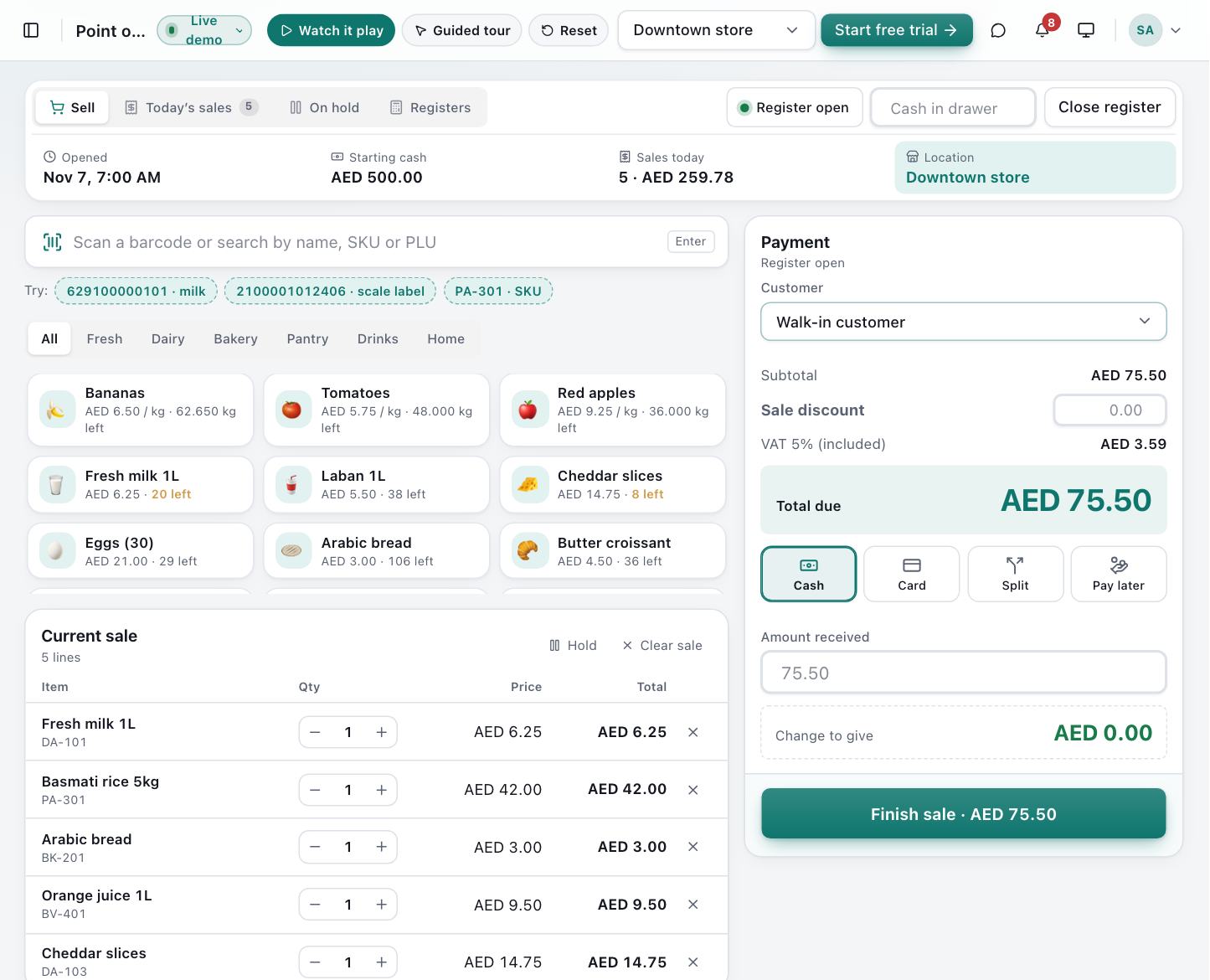
Scan, search or tap. Weighed goods, split payments, held tickets, returns and tax invoices — all on one fast screen that works on any device.
- Barcode, SKU and name search with instant product tiles
- Scale barcodes for fruit, vegetables, meat and bulk goods
- Split tender: cash, card, bank transfer and pay later on one ticket
- Hold a ticket, serve the next customer, recall it later
- Line and ticket discounts, with a below-cost warning
- Tax invoices on 80 mm thermal or A4, printed automatically
- Returns and voids put stock back and reverse VAT
- Open and close the till with counted cash and variance
Included in: Starter, Professional, Enterprise
Products
One clean catalogue for every branch
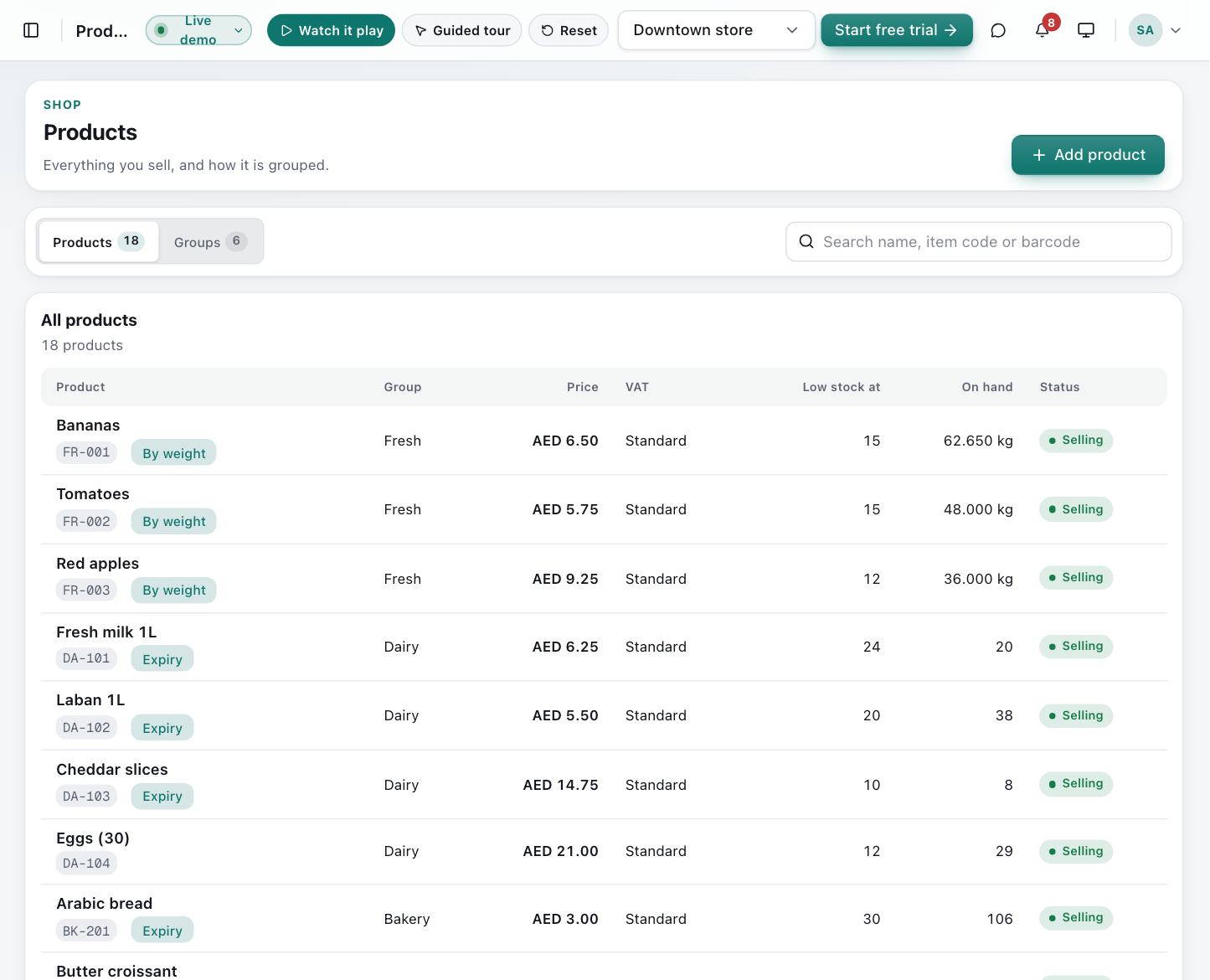
Categories, brands, units, several barcodes per item, tax classes and scheduled discounts — set once, used everywhere.
- Unlimited products with SKU, price, tax class and reorder point
- Several barcodes per product (supplier, in-house, scale)
- Categories, brands and units of measure, including weight
- Catalogue discounts by percent or amount
- Expiry tracking switch for pharmacy and food items
Included in: Starter, Professional, Enterprise
Stock
Stock you can trust, down to the last unit
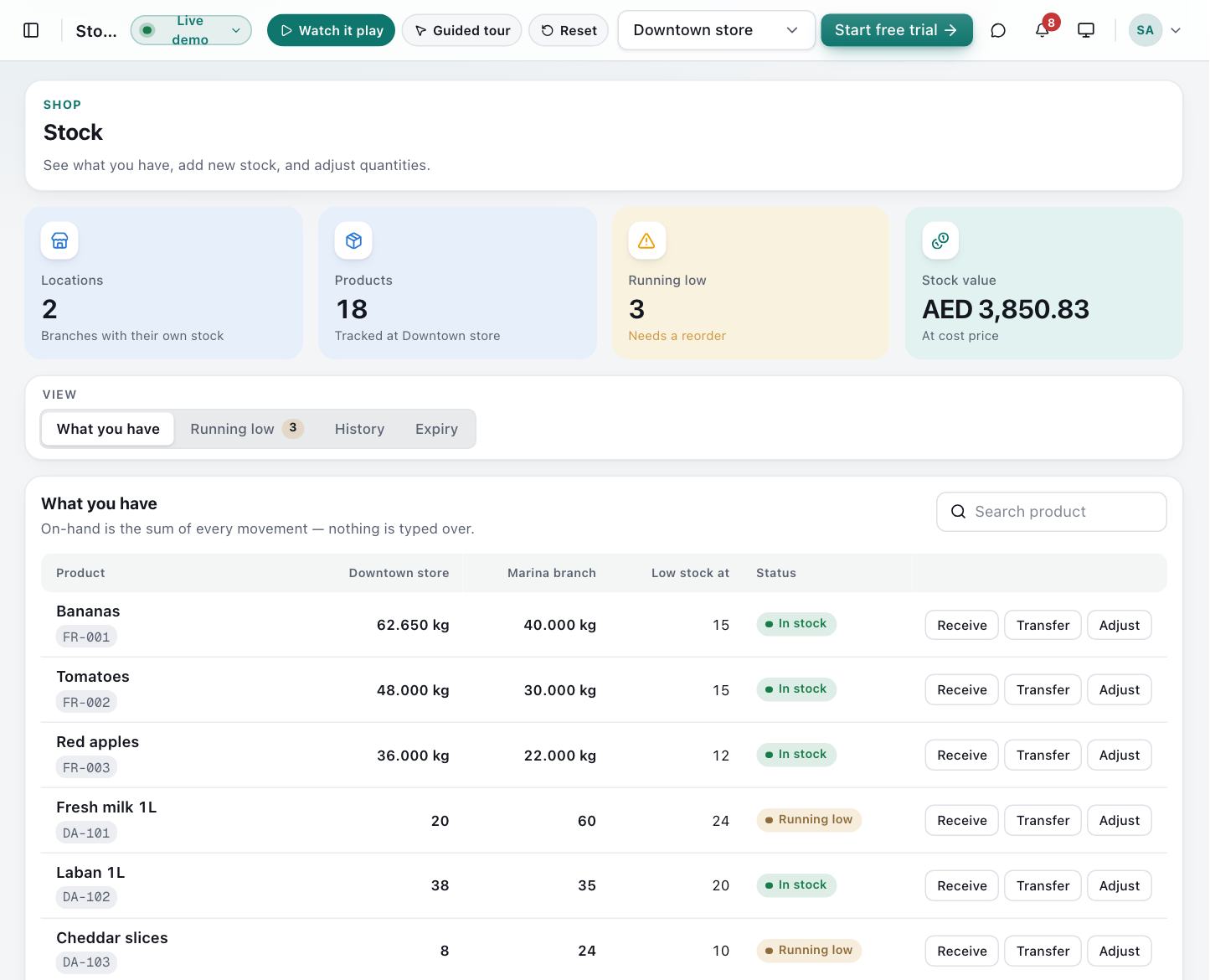
Every sale, receipt, transfer and adjustment is a movement in a ledger, so on-hand never drifts and every change has a reason and a name.
- Live on-hand per branch and warehouse
- Receive, transfer and adjust with reason codes
- Cycle counts that post the difference for you
- Batches and expiry dates with first-expiry-first-out selling
- Low-stock alerts from each product’s reorder point
- Stock valuation at weighted average cost
Included in: Starter, Professional, Enterprise
Purchasing
Reorder before the shelf is empty
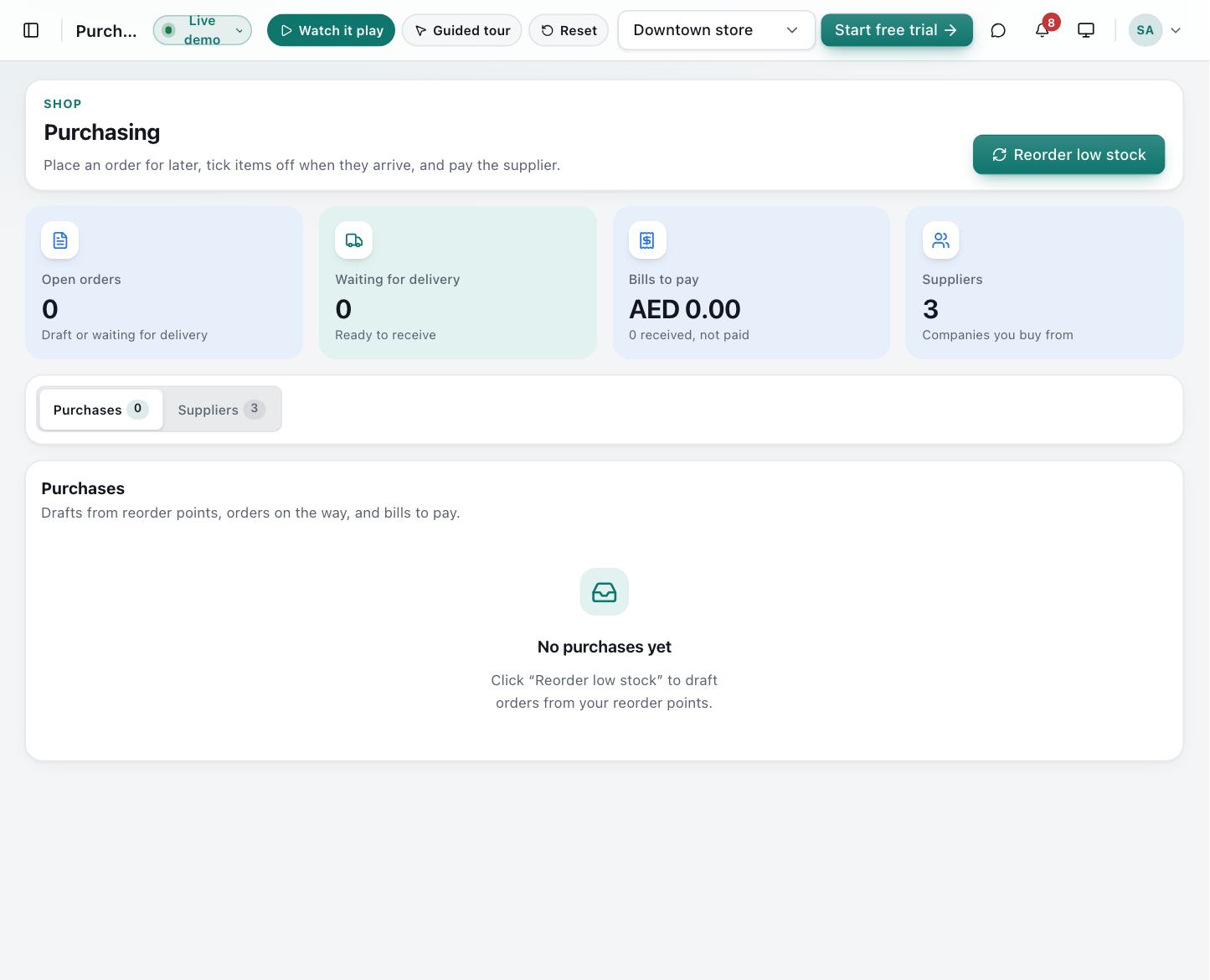
Turn low stock into a draft purchase order in one click, receive goods against it, and see what you owe each supplier.
- Supplier records with contact and payment terms
- Purchase orders from draft to submitted to received
- Goods receipt notes against the order, with batch and expiry
- Low stock to suggested order quantities
- Payables ageing and supplier payments
Included in: Starter, Professional, Enterprise
Accounting
The books write themselves
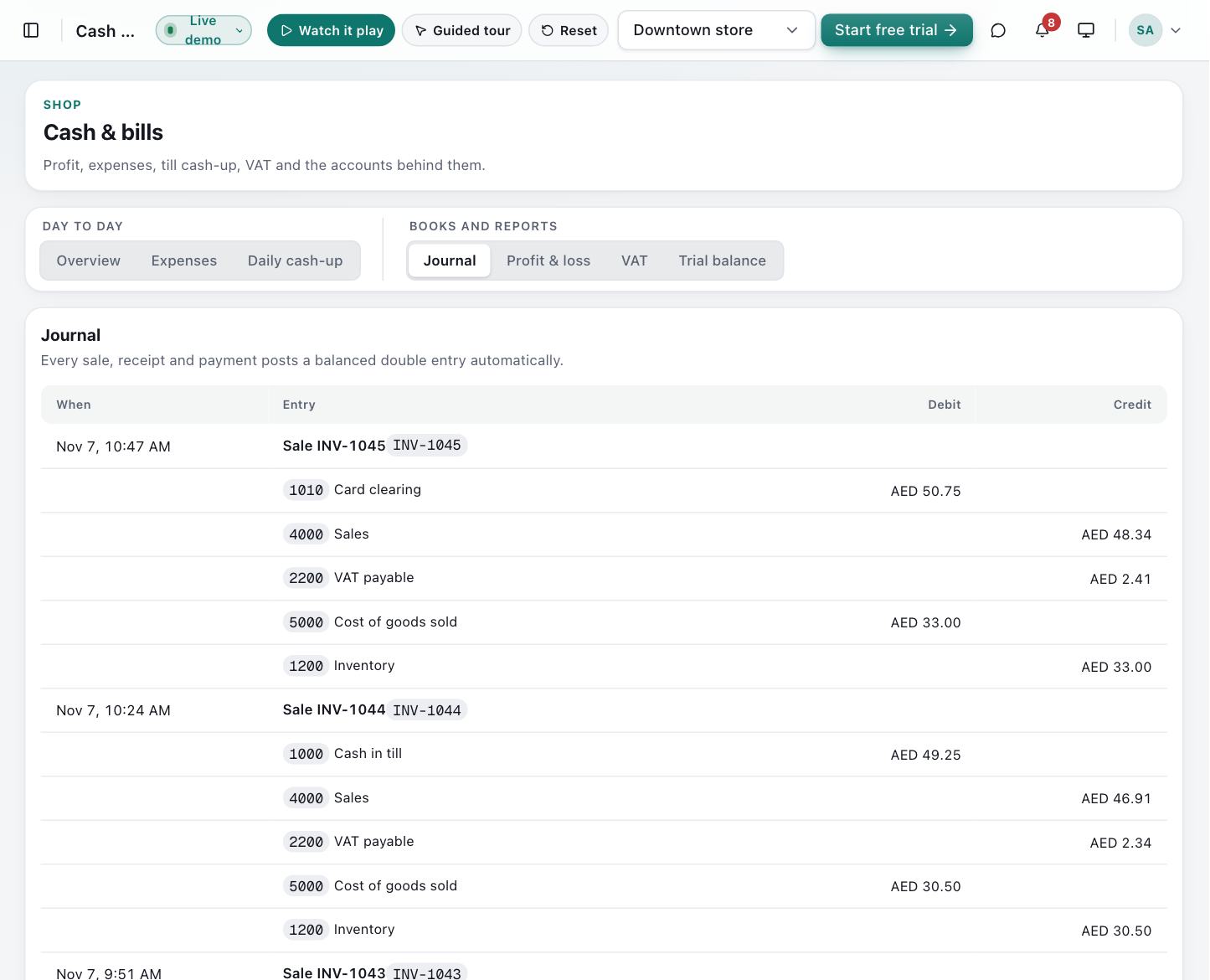
Sales, returns, goods receipts and payments post double-entry journals automatically. Your accountant gets real reports, not exports to fix.
- Automatic journals for every sale, return, receipt and payment
- Chart of accounts, trial balance, profit and loss, balance sheet
- VAT engine: standard, zero-rated and exempt; inclusive or exclusive
- VAT return summary and tax invoice register
- Twelve currencies including AED, SAR, PKR, INR, USD, EUR and GBP
Included in: Professional, Enterprise
Customers & credit
Sell on credit without losing track
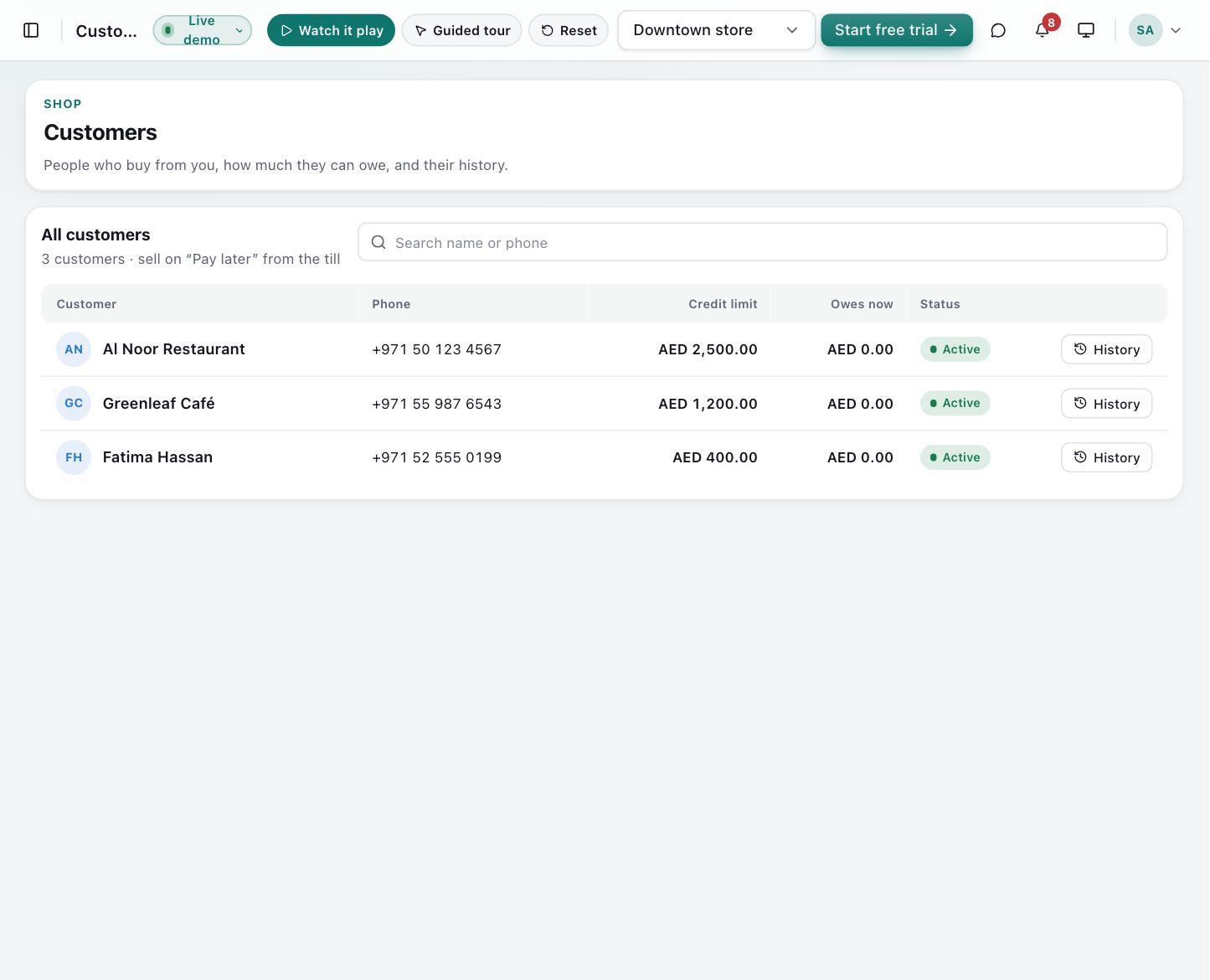
Named customers, credit limits and pay-later plans with instalments. The till blocks a sale that would go over the limit.
- Customer records with purchase history and statements
- Credit limits checked at the till
- Pay later with instalment schedules
- Record repayments and see overdue accounts
Included in: Professional, Enterprise
Insights (AI)
Ask the shop what to do next
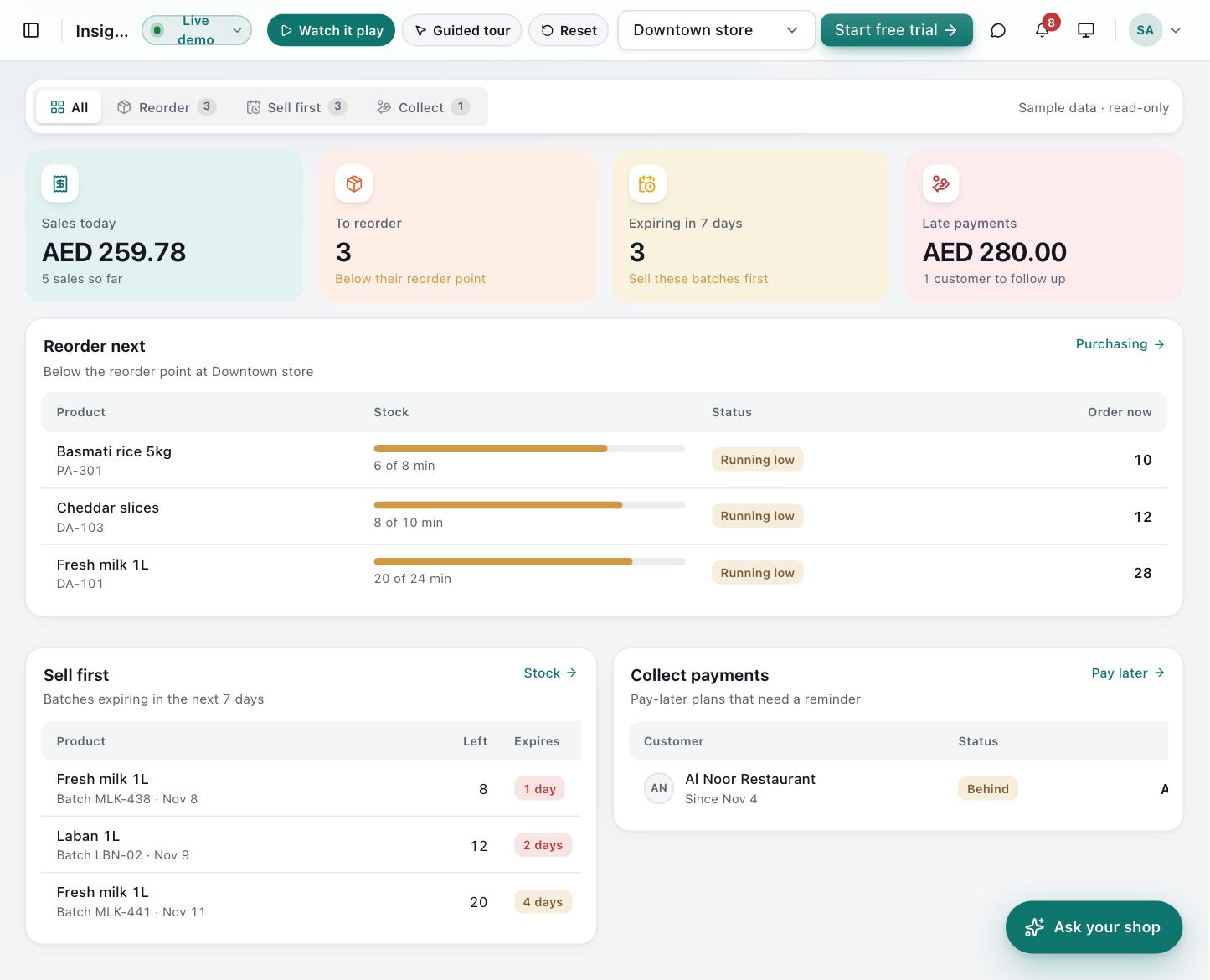
Answers come from your own ledgers — reorder lists, sell-by dates, credit risk and period comparisons. AI only reads the database; your team still posts every sale, PO and payment in the normal screens.
- Natural-language search: “milk that expires this week”, “unpaid Al Noor”
- Reorder drafts from sales velocity and on-hand
- Expiry / FEFO coach: sell or markdown first
- Credit warning at checkout before the limit is blown
- Morning digest: sales vs yesterday, low stock, overdue bills, till over/short
- Ask the books: margin and VAT answered from journals, with cited accounts
Included in: Starter, Professional, Enterprise
Dashboard & reports
Know how today is going — from anywhere
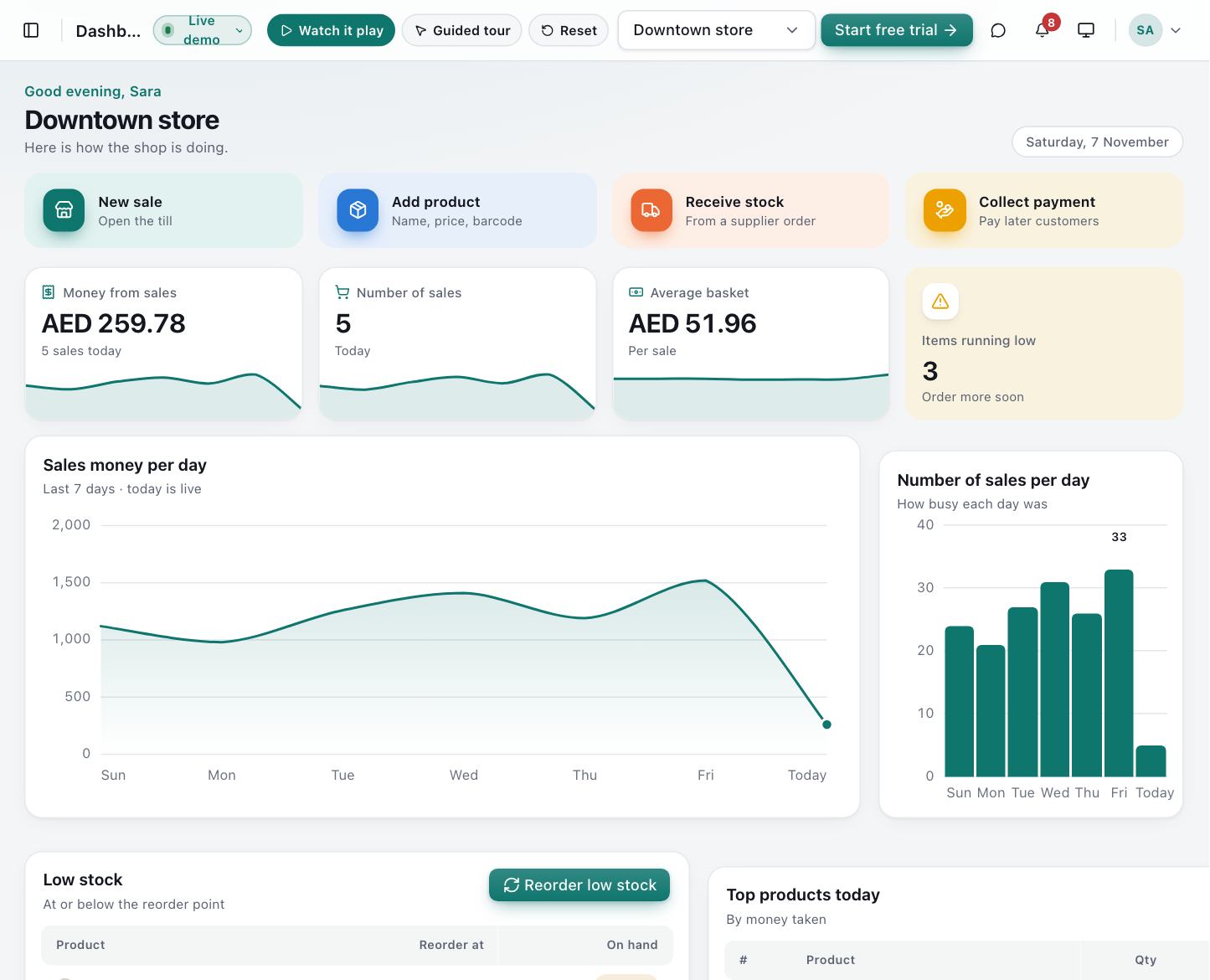
Sales, basket size, best sellers and low stock on one screen, with exports for your own analysis.
- Live sales, order count and average basket
- Trends by day and best-selling products
- Low-stock list ready to reorder
- CSV export of sales
Included in: Starter, Professional, Enterprise
Team & control
The right access for every person
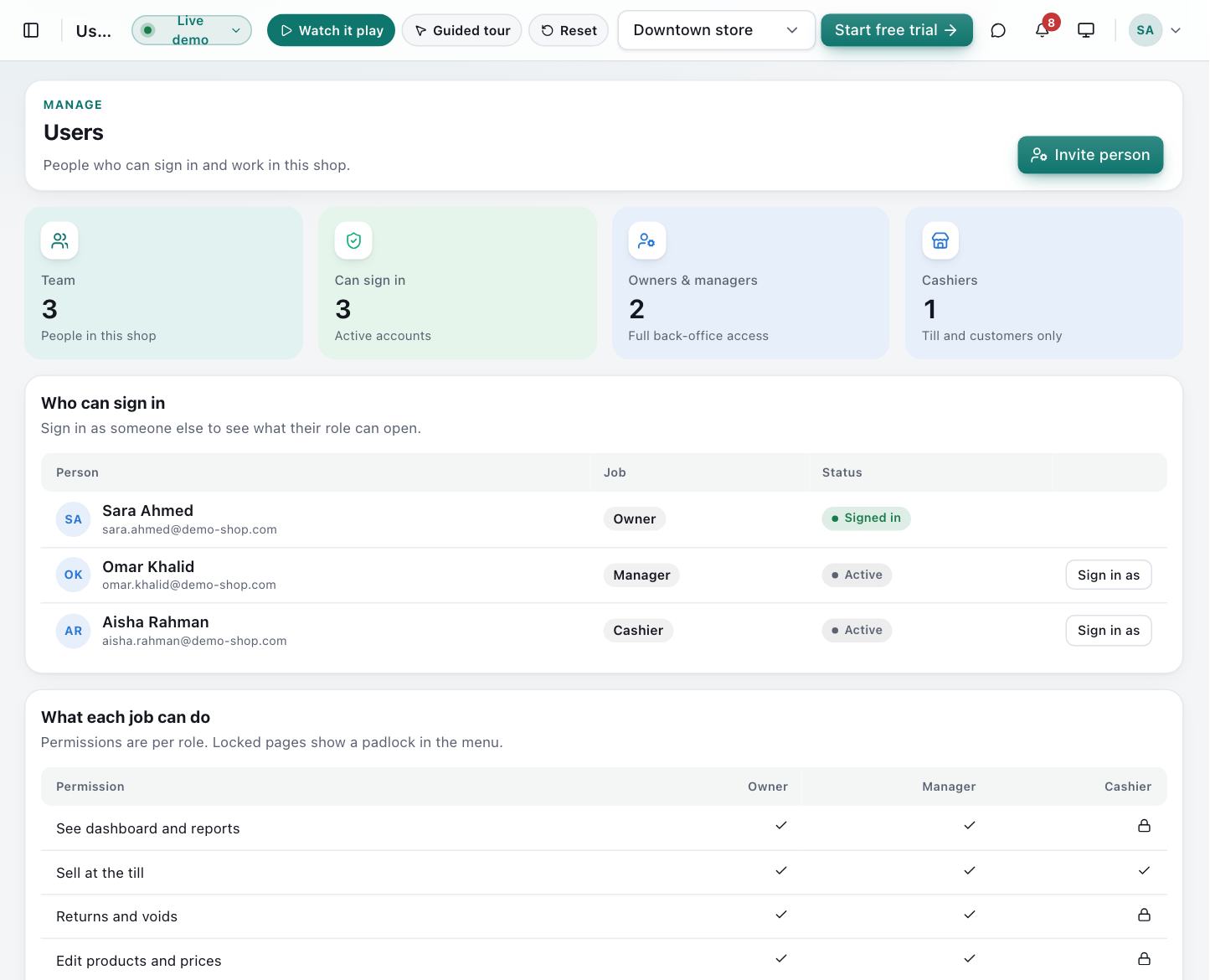
Owner, manager and cashier roles with fine-grained permissions, a full audit trail, and built-in team chat and notifications.
- Invite staff and give each person a role
- Permissions for returns, price changes, till close and more
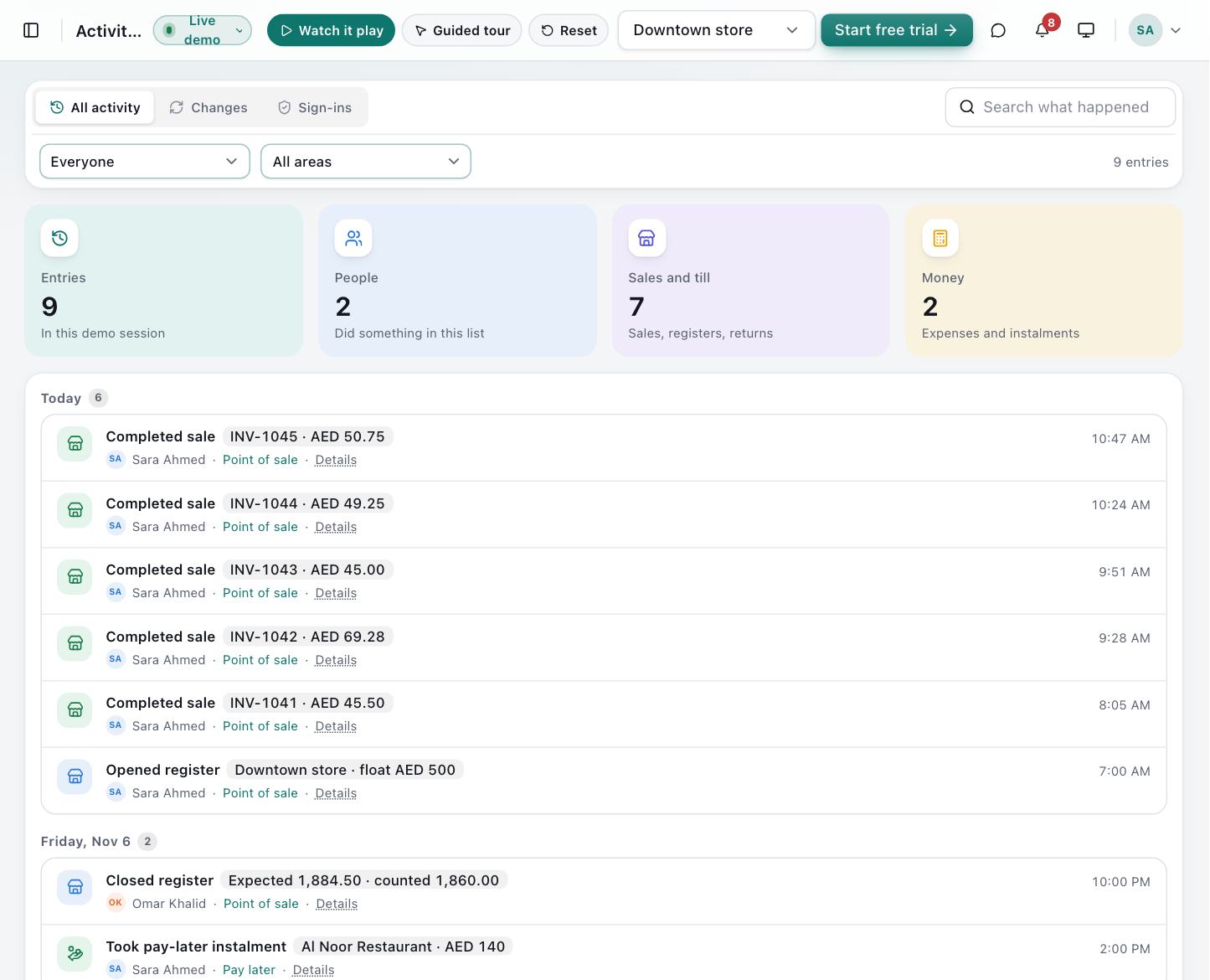
- Audit log of every change: who, what and when
- Team chat and real-time notifications across branches
Included in: Starter, Professional, Enterprise
Multi-branch
Every branch, one view
Add locations and warehouses, move stock between them, and compare performance without merging spreadsheets.
- Extra branches and warehouses
- Transfers between locations
- Per-branch stock and sales
Included in: Professional, Enterprise
Integrations
Connect the systems you already use
Signed webhooks tell your other systems the moment a sale completes, stock runs low or a credit payment arrives.
Included in: Enterprise
- Events: sale completed, low stock, credit opened, payment recorded
- HMAC-signed requests with automatic retries
- Delivery log for every message
Everyday details
The small things your team will notice
Any screen
Desktop, tablet or iPad, in light or dark mode.
Keyboard and scanner first
Scan and type without reaching for the mouse.
Automatic printing
The invoice prints as soon as payment is taken.
Arabic and English invoices
Bilingual headings on tax invoices.
Real-time notifications
Low stock and team messages arrive instantly.
Clean returns
Returns restock items and reverse VAT and journals.
See every feature working — no sign-up
Open the live demo, make a sale, receive stock and watch the books update.
No card needed · Set up in minutes · Help with data import